Focal App
Focal records your screen and automatically zooms in on your clicks — no manual keyframing, no editing skills required. Just record, and it looks produced.
software toolscreen recordingnative SDKs
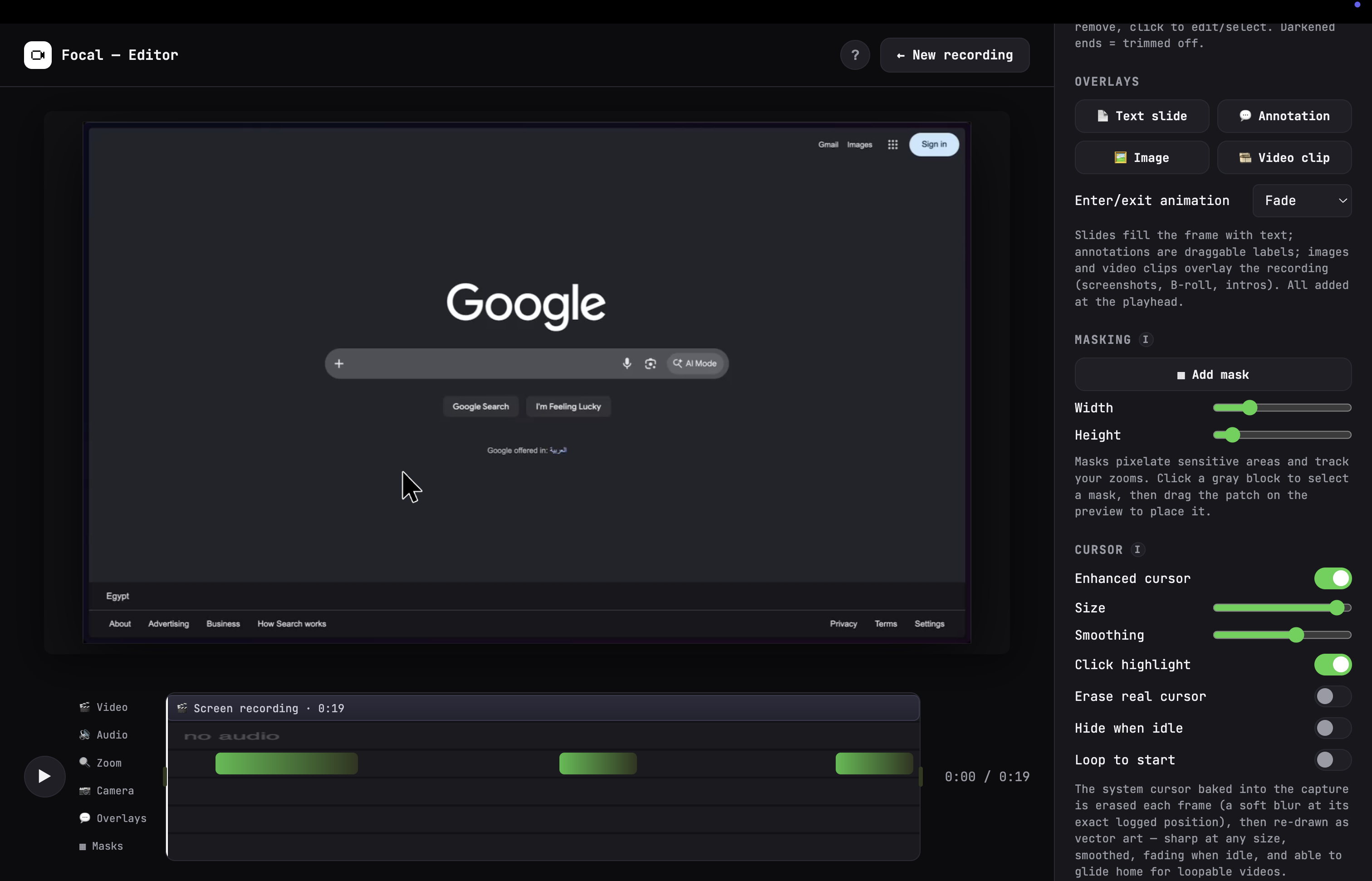
Focal is a screen recording app that automatically zooms in on your clicks, making it easy to capture and share your screen without any manual keyframing or editing skills.
Tech Stack
- •javascript
- •react
- •html
- •CSS
- •apple SDK
- •windows SDK
Key Attributes
- •The system cursor is excluded at the recording level, not just blurred over, then redrawn as a crisp vector cursor from tracked mouse data — sharp at any zoom.
- •Don't record your whole screen — drag out exactly the region you want before you start, down to the pixel.
Development Process
- •I noticed most of the tools similar to Focal are either paid or not designed for screen recording. So I decided to build my own.
- •Add a webcam bubble and narrate over your recording. Voice enhancement cleans up the audio automatically on export.
- •Pixelate passwords, emails, or anything else you don't want visible — masks track your zooms automatically.
- •Trim, cut sections, add text slides and annotations, drop in B-roll, then style the frame — background, padding, corner radius, shadow.
Core Features
- •Focal tracks your clicks while recording and generates smooth zoom-in moments around them. Every block is still fully editable afterward.
- •I want to add other cursor styles for a more personalized recording experience and export.
More about the project
- •Everything a screencast needs, automatically.
- •The app supports both macOS and Windows, with native SDKs for each platform.
- •The editor allows you to customize the recording experience, including zoom levels, recording quality, and more.
- •Focal handles the parts that usually take an editor — you just record.
- •Record. It edits itself. Share. Three steps, no timeline scrubbing required to get something worth sending.